I have received an email from Google saying that my AdMob account has been deactivated. I haven't been using AdMob.
Email subject: Your AdMob account has been deactivated: pub-1234567890123456

- Symptom
So I tried to log in to the Google AdMob site - https://apps.admob.com - to reactivate the account on the Chrome browser. However, I kept failing with the following error message."An error occurred. Please try again later."

That's strange. I was able to sign in to Google AdSense with the same credentials.
I attempted with other accounts and even tried in Incognito mode. That was no luck.
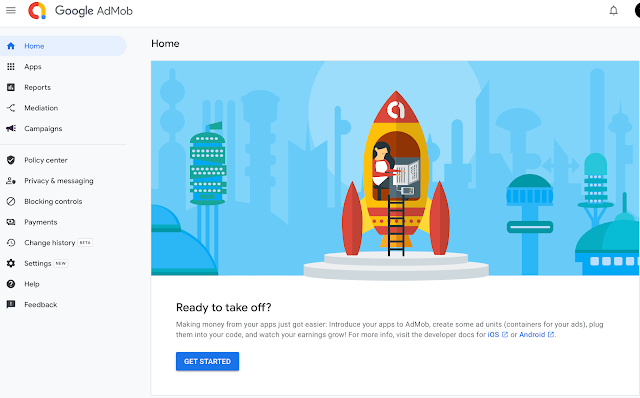
The following URL gives you instructions on how to reactivate your AdMob account.
I attempted with other accounts and even tried in Incognito mode. That was no luck.
- Solution
I found a solution through multiple trials and errors. As I am a Mac user, I tried this on Safari. Voila! It worked seamlessly.

The following URL gives you instructions on how to reactivate your AdMob account.
About deactivated AdMob accounts
https://support.google.com/admob/answer/10491752?hl=en
However, I couldn't find any checkbox on the AdMob menu, so I just put my phone number.
https://support.google.com/admob/answer/10491752?hl=en
However, I couldn't find any checkbox on the AdMob menu, so I just put my phone number.
A day later, I got an email saying it was approved.
I posted this article because I couldn't find a solution to this error in any search engines.
I posted this article because I couldn't find a solution to this error in any search engines.
Hope this helps!
Helpful guide on fixing AdMob errors! Technical troubleshooting like this is always useful. Users also value fast platforms like cbtf turbo 247.
ReplyDelete